
Simple enough. That's the point.
For anyone tired of complex task apps. Simple enough for everyone, right from the start. Share with others when you need to.
Free to use. Sign up with an email address and start right in your browser. iPhone and Android apps are being prepared for release.
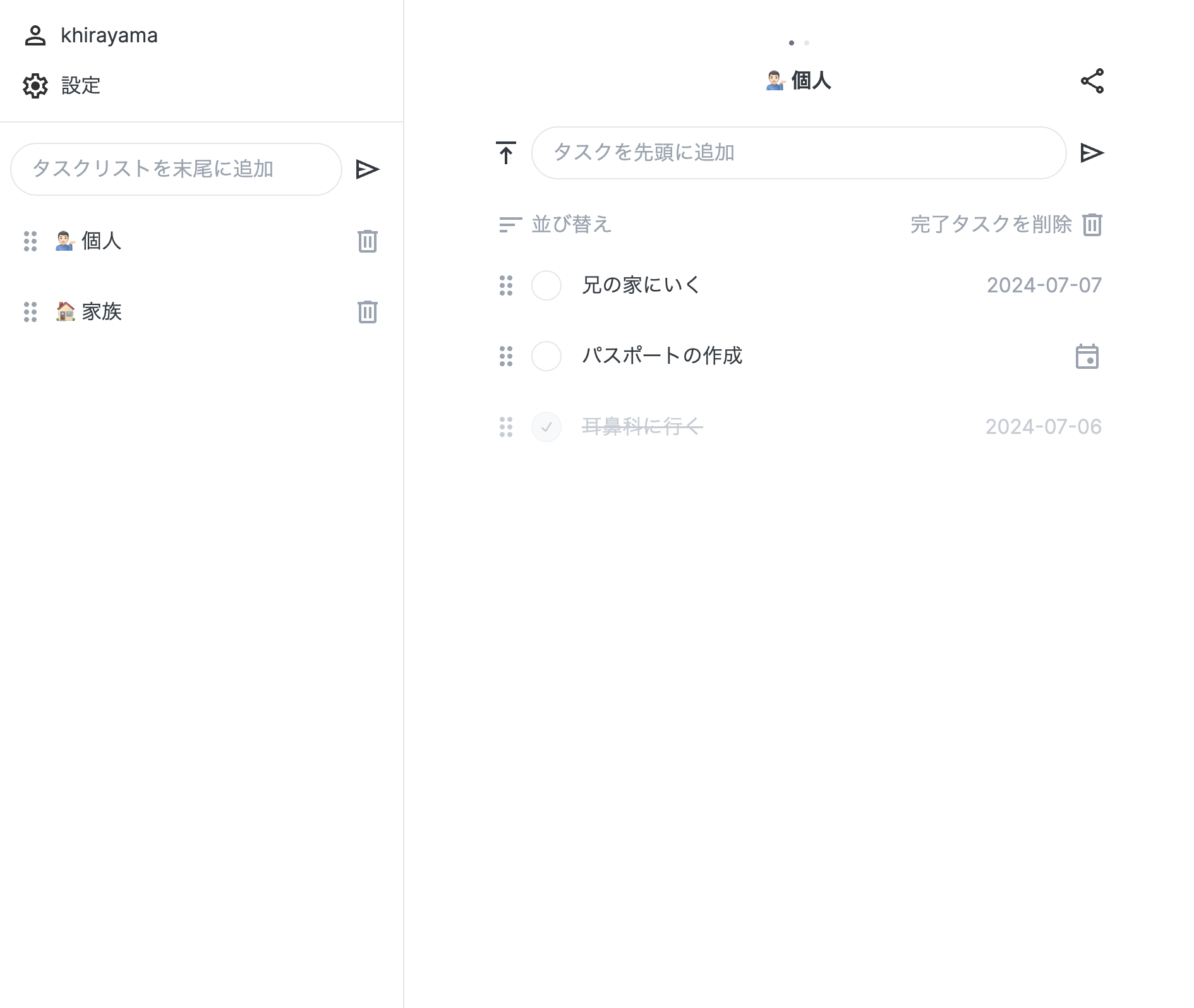

Three things Lightlist does
Just what you need
Add tasks. Check them off. That's it. No tutorial, no manual needed. Anyone can start right away — no matter their experience with technology.
Any device, anytime
Use it in any browser, on desktop or mobile. Your lists stay in sync across all devices in real time. iPhone and Android apps are currently being prepared for store submission.
Share when you want to
Generate a share code and invite anyone to your list in seconds. Anyone with the link can view it without an account. Out of the way when you don't need it.
Other features
Everything you need for everyday use.
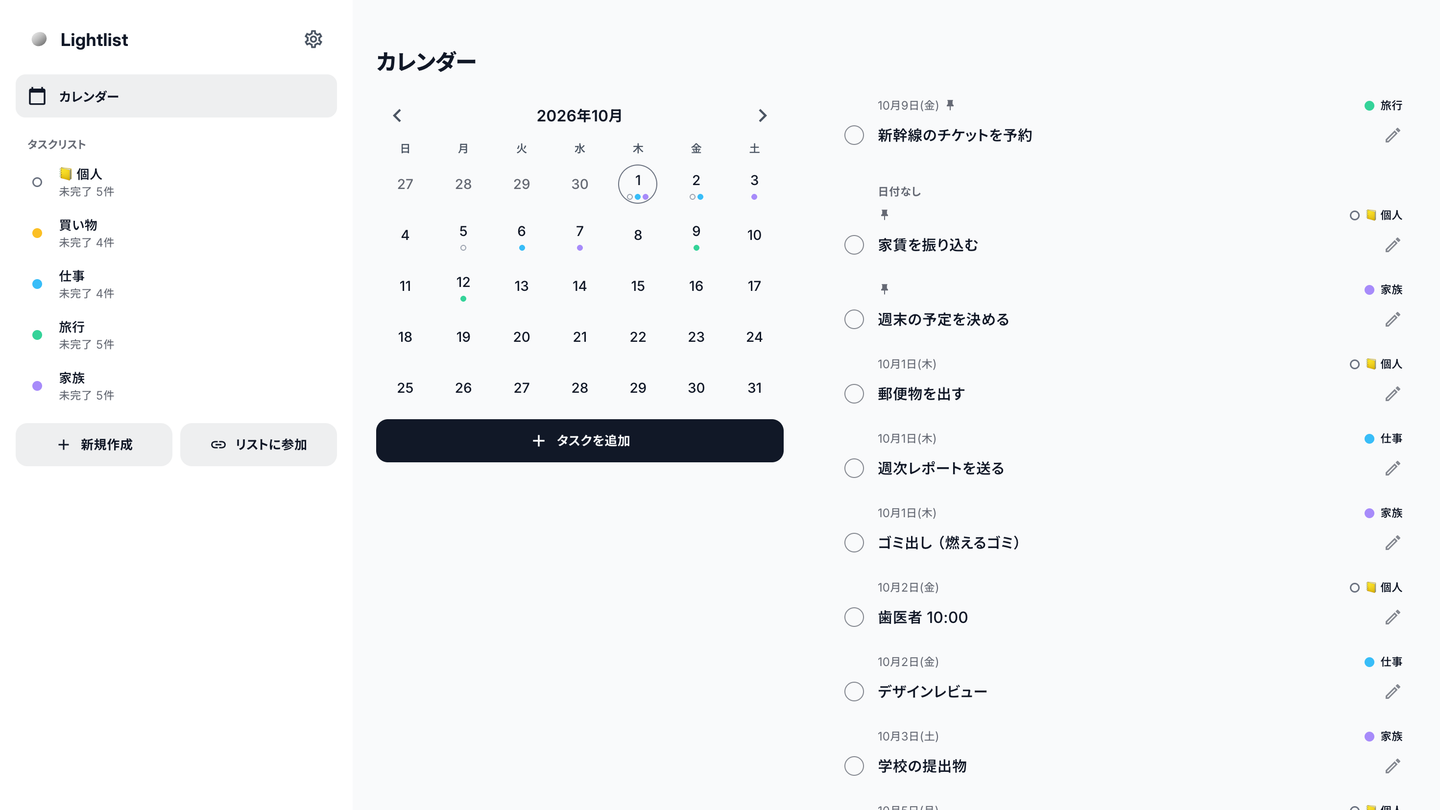
Calendar
See tasks from all your lists in one monthly calendar. You can also pick a day and add a task.
Date input
Type “tomorrow buy milk” or “12/24 gift” and the task is saved with that date.
Pinning and sorting
Pinned tasks are shown at the top. Tasks can be sorted automatically by date or reordered by dragging.
Suggestions
Tasks you have entered before appear as suggestions, so you can add frequent ones quickly.
Offline support
You can add, complete, and edit tasks offline. Changes sync automatically when you are back online.
Colors and themes
Choose a background color for each list. Light and dark themes are supported.
11 languages
The interface is available in 11 languages: Japanese, English, Spanish, German, French, Korean, Simplified Chinese, Hindi, Arabic, Portuguese, and Indonesian. Date input also understands each language.
Examples
Shopping lists
Share a list with your family and check items off as you buy them. New items appear for everyone right away.
Family to-dos
Add dates to chores and bills, and check what is coming up in the calendar.
Trip packing & planning
Share packing and booking lists with the people you are traveling with.
Small team tasks
Send a share code to get started. A good fit for sharing tasks in a small group.
Frequently asked questions
Is Lightlist free?
Yes. Sign up with an email and password and you can use every feature for free.
How do I share a list?
Create a share code from the list's share button and send the link. Anyone with the link can view the list without logging in, and can edit together after logging in and joining.
Which devices are supported?
It works in any browser on desktop or mobile. Log in with the same account and your lists stay in sync. iPhone and Android apps are currently being prepared for store submission.
Can I delete my account and data?
Yes. You can delete your account from Settings at any time, and your task lists and other data are deleted with it.
Simple enough. That's the point.
If task management feels like too much, Lightlist is for you. Start with one list.